

In this Recording Great Guitar Tones on a Budget article, we will discuss some ways to get great recorded guitar tones without spending a fortune. The way to get huge guitar tones, with massive amounts of sustain and a sound that will make your guitar stand out from the pack.
Recording Great Guitar Tones on a Budget
You don’t need a boutique tube amp or a vintage microphone collection to capture a “platinum record” sound. In fact, some of the most iconic guitar tracks in modern history were recorded in bedrooms and basements using little more than raw creativity and a few smart techniques.
In this Recording Great Guitar Tones on a Budget guide, we’re stripping away the gear snobbery to show you how to achieve professional results without emptying your bank account.
Whether you’re working with a modest interface or a single pawn-shop pedal, it’s time to prove that great tone is about how you play and record—not how much you spend.
A decade ago, “free software” usually meant buggy interfaces and thin, fizzy tones. Today, the landscape has shifted. Some of the most realistic amp models and effects on the market don’t cost a dime. If you have a computer and a basic audio interface, you already have access to a world-class studio.
Analogue vs Digital
There are many ways to record an electric guitar, including using a DAW, a microphone, an audio interface, and some plugins.
Or perhaps, an old 4-track tape recorder and a microphone, or even a multi-track tape reel-to-reel, etc
Plus, there are a host of relatively new and now ‘vintage’ digital multi-recorders available for reasonable money. These use everything from SD cards and hard drives to solid-state storage to record your audio, rather than magnetic tape.
Whatever you choose to record with isn’t going to make a huge difference to your final guitar tone in reality.
Sure, tape has some inherent warmth and a nice, natural-sounding compression. Digital offers the convenience of instant recall and unlimited edits.
I’m not here to argue the virtues of any specific medium. Both have specific benefits, and each medium has its inherent costs.
Read The Manual
Know your gear, read the manual if you have to, or go find a YouTube video that shows you how to use it. If you know how to use your chosen recording medium, then that is the most important part of the basic recording process.
I would always say it is more about knowing your tools and then experimenting with them.
Once you are comfortable with the basic controls, you can start having fun and creating great guitar tones.
Budget DAW Guitar Tones
Now that that is out of the way, let us look at some ways to achieve great tones while keeping the budget under control.
My first suggestion for anyone using a DAW is to check whether the software you have chosen includes guitar amp plugins. Along with any compression, effects, and EQ software that comes bundled with your package.
I state this because DAWs already include many useful tools that can help you keep costs down.
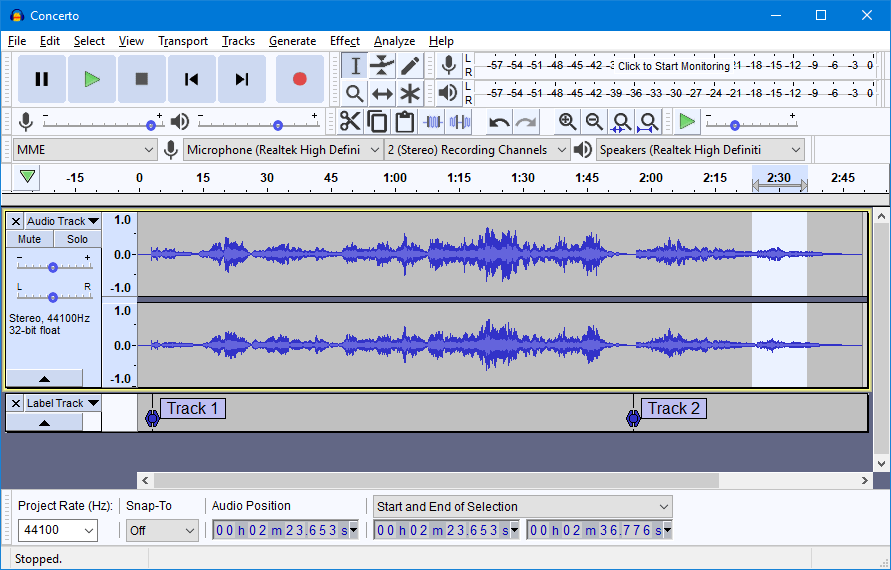
DAWs
Plus, there are lots of free DAWs available, so if you have access to a computer, you can keep costs to a minimum.
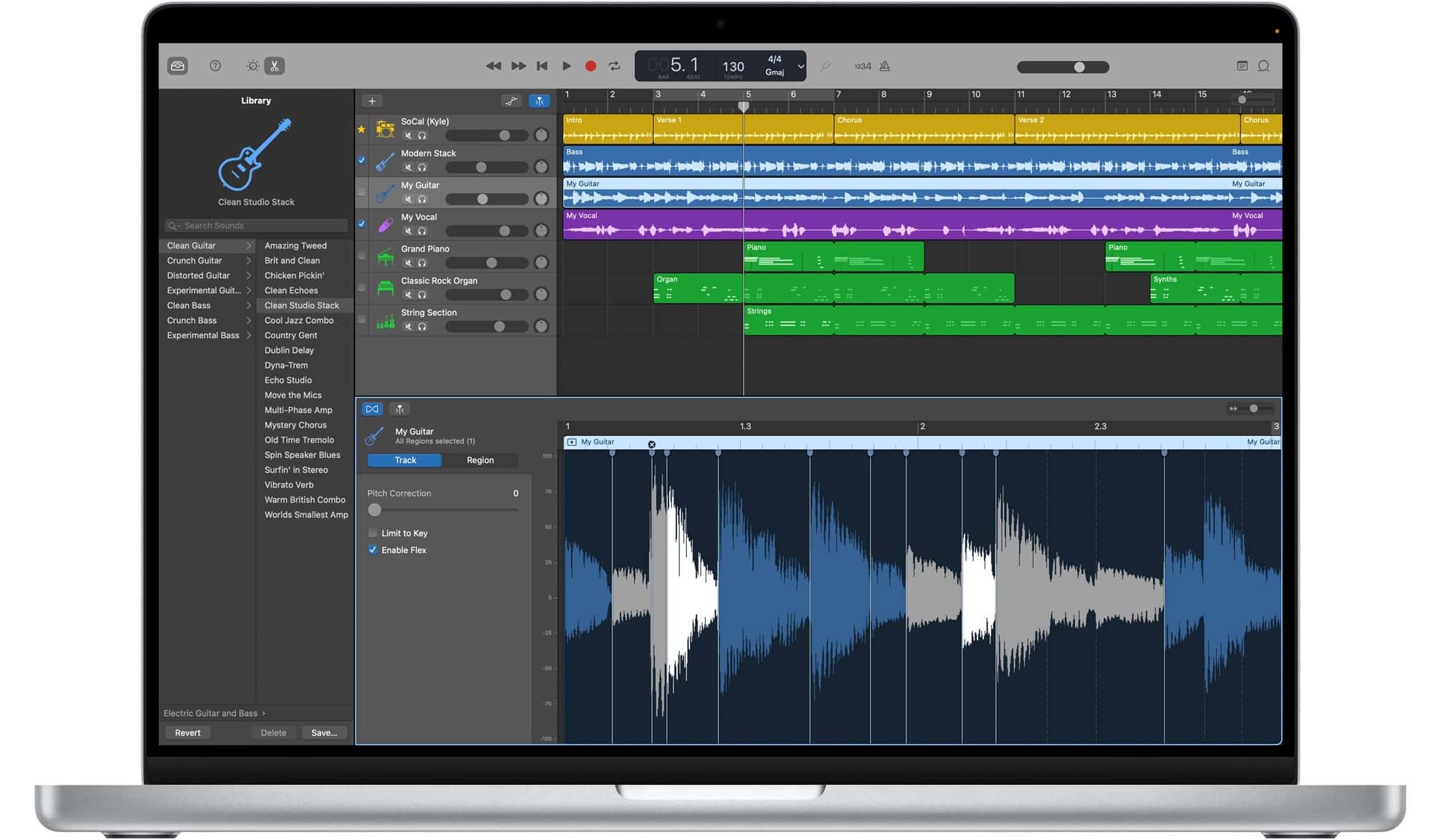
List of Free DAWs
Below is a list of some free DAWs I would recommend checking out. I’ve used GarageBand, Cubase LE, Audacity, Reaper, and Ableton Live Lite myself in the past and had good results with all of them.
- GarageBand (Mac only)
- Ableton Live Lite
- Audacity
- Tracktion Waveform Free
- Pro Tools Intro
- Cubase LE
- Soundbridge
- Reaper
- MPS Beats
- Podium Free (PC Only)
Free Plugins
Since I’m talking about software, here are a few free plugins I recommend for recording an electric guitar.
The Power of Free: Pro Tone Without the Price Tag
1. The All-in-One Suites
For those who want a “plug and play” experience, several industry giants offer “Lite” or “Player” versions of their flagship software. These are perfect for getting a great sound quickly.
-
IK Multimedia AmpliTube 5 CS: the “Custom Shop” version. It gives you a solid foundation of 42 gear models, including iconic stompboxes and classic amp/cabinet combos.
-
Native Instruments Guitar Rig 7 Player: Known for its creative rack-style interface, the free version includes the “JUMP” amp (a classic British tube sound) and several high-quality effects, such as the Red Fuzz and Studio Reverb.
2. The New Gold Standard: Neural Amp Modeler (NAM)
If you are chasing ultimate realism, Neural Amp Modeler is currently the talk of the production world. It uses open-source machine learning to “capture” the sound of real tube amps with frightening accuracy.
Pro Tip: NAM is just a “player.” You’ll need to download free “profiles” from sites like ToneHunt to get specific sounds—ranging from boutique cleans to high-gain monsters.
3. The “Secret Sauce”: Impulse Responses (IRs)
The “cabinet” part of a guitar software is often what makes it sound “fake.” To fix this, you can use Impulse Responses—digital snapshots of real speakers and microphones.
-
The Loader: Use a free plugin like Ignite Amps NadIR or Lancaster Audio Pulse 2 to host your IRs.
-
The IRs: Look for free packs from Seacow Cabs or ML Sound Lab. Replacing a stock plugin cabinet with a high-quality IR is the single fastest way to make a budget recording sound like a professional studio.
4. Essential Free FX
To make your guitar “stand out from the pack,” you need more than just distortion.
-
Valhalla Supermassive: Arguably the best free reverb/delay plugin ever made. It’s perfect for creating huge, cinematic ambient textures.
-
TSE R47: A fantastic free emulation of the classic “Rat” pedal—perfect for adding grit and sustain to a lead tone.
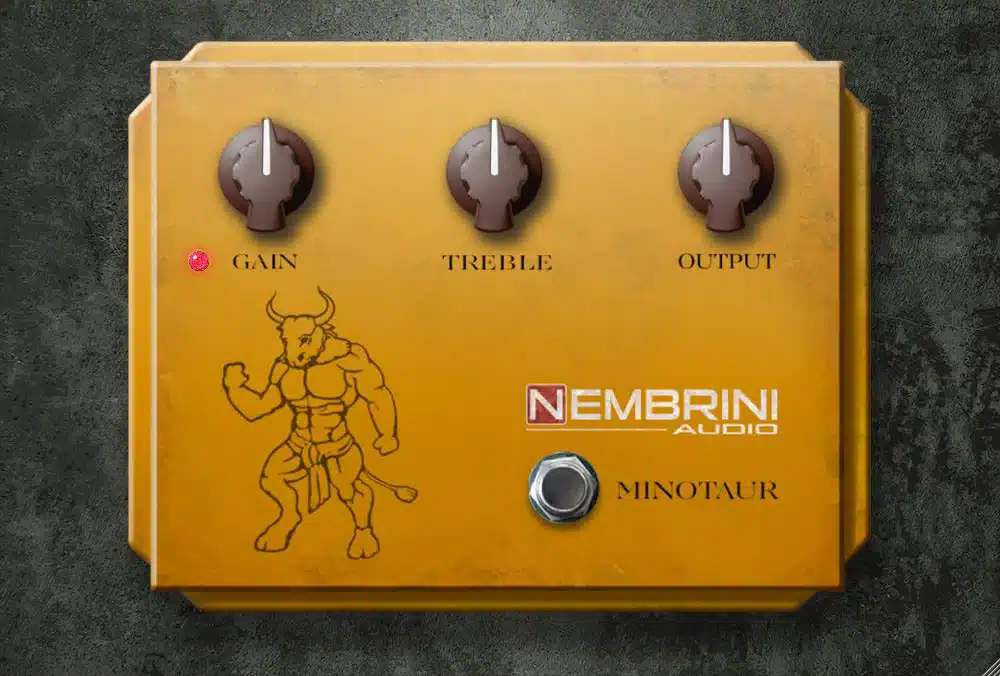
Essential Free Plugins
These free plugins offer a wide range of high-quality virtual amps and useful guitar effects.
- Nembrini Audio Free Plugins
- Native Instruments Guitar Player 7
- Amp Simulations By LePou
- Ignite Amps
- Amplifikation Lite By Kuassa
- Nick Crow Labs
- Voxengo Boogex
- Ace by Shattered Glass
- Blue Cat Free Amp
- Amped Roots Free
- Audiority L12X
- TSE Audio X50
- Black Rooster Cypress TT-15
- Peavey Revalver 4
- Lostin70sAudio
- AmpLion Free
- Amper
Ultimately, capturing a legendary guitar tone isn’t about the size of your budget, but the depth of your curiosity. By leveraging the power of free software, mastering the art of the signal chain, and prioritizing technique over price tags, you can produce tracks that rival professional studio recordings.
Don’t let a lack of expensive hardware hold back your creativity—the tools to sound “huge” are already at your fingertips. Now, it’s time to plug in, dial in your settings, and start laying down the tracks that will define your sound.
You may also want to read this article, which covers how to achieve the best signal path into your DAW, which is useful for anyone looking to get into recording audio.



This article may contain affiliate links to Andertons, DeathCloud, Donner, Fender, Gear4Music, Positive Grid, Sweetwater, and Thomann that help finance the running costs of GuitarBomb. We will receive a small commission if you buy something through these links. Don’t worry; you pay the same price, and it costs you no extra to use these affiliate links for your purchases.


